Professional Services
Organize consultations, project discussions, and client follow-ups with dedicated meeting types.
Set your availability, share your booking page, and let people choose a time that works. CalendNow keeps individual and team scheduling together in one place.
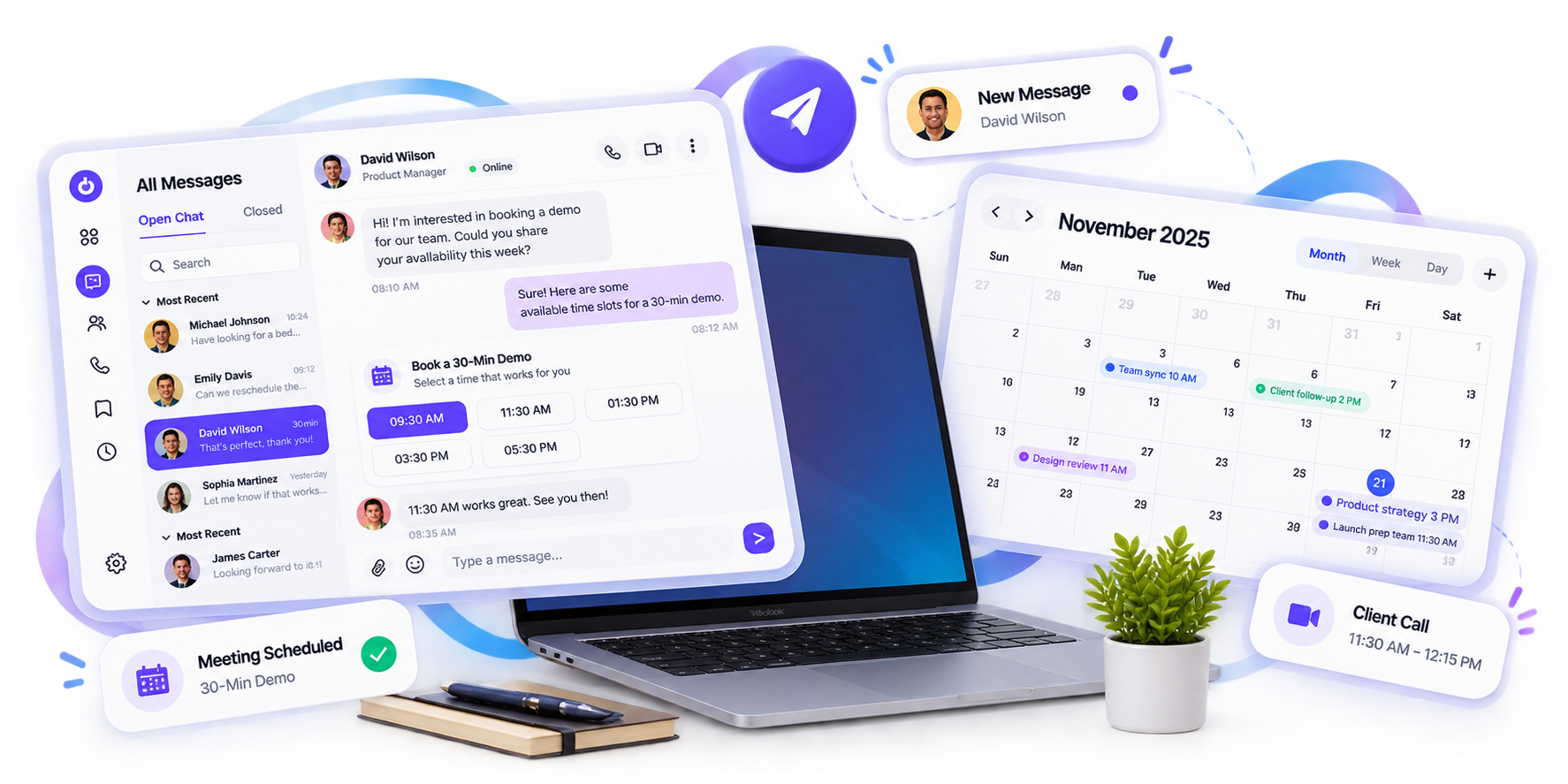
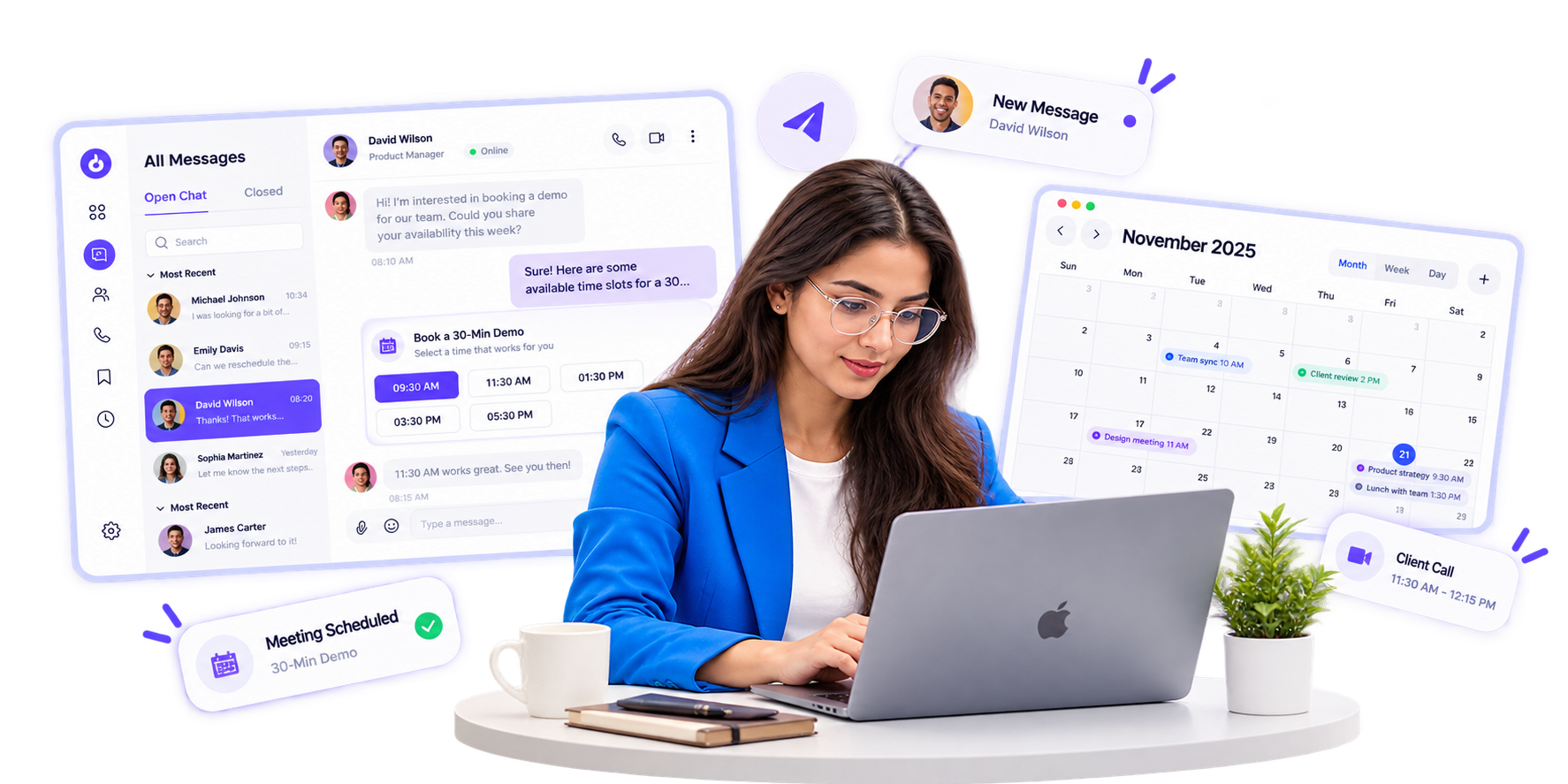










Trusted by teams worldwide to simplify scheduling, save time, and keep every meeting moving.
Choose working hours, time zone, breaks, blocked dates, buffers, minimum notice, and booking windows.
Set up a one-on-one, group, round-robin, single-use meeting, or event.
Give people a personalized link where they can choose a time and answer your booking questions.
Hosts and participants can reschedule or cancel, while CalendNow handles configured notifications and reminders.
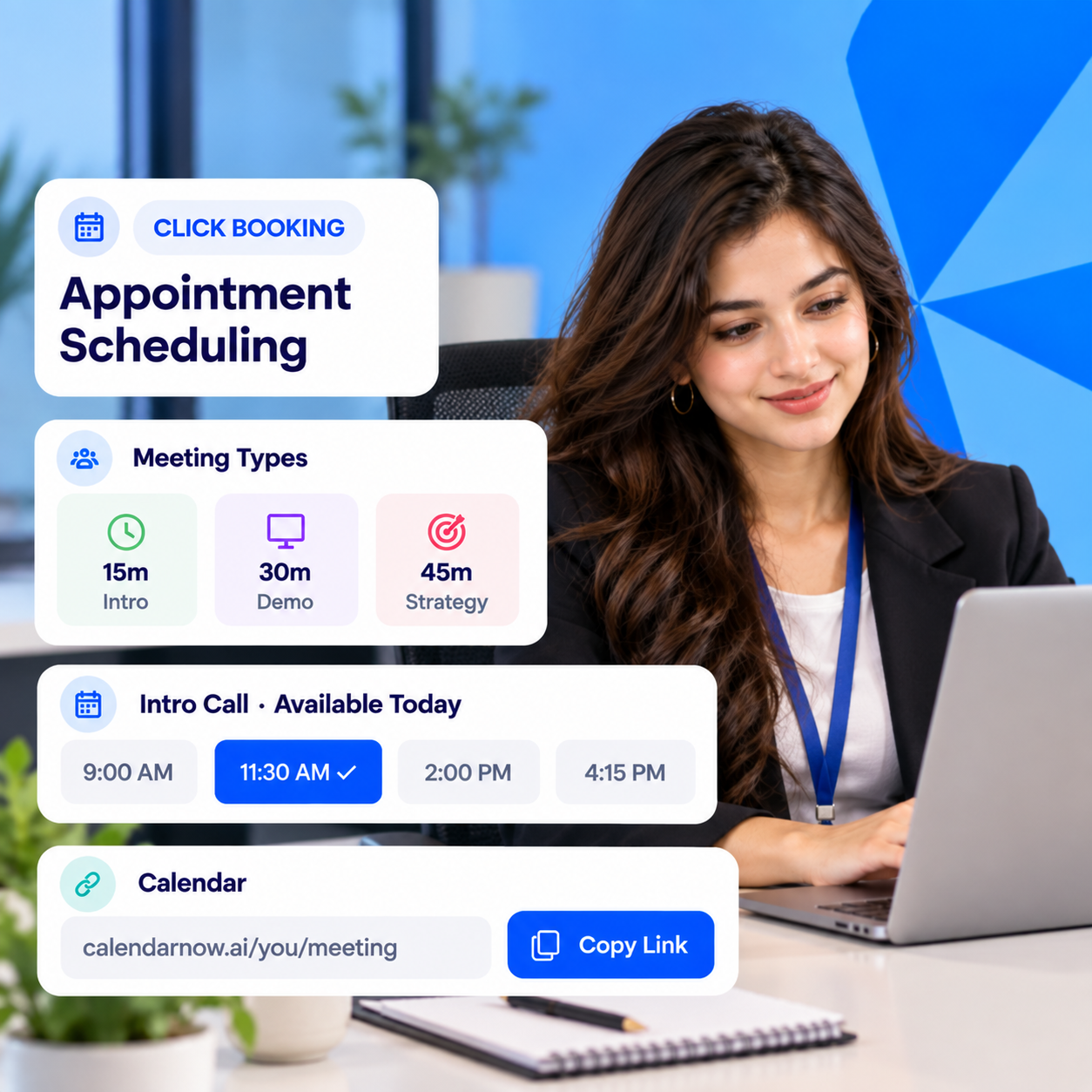
Give people a simple way to book you. Set availability, create meeting types, share booking pages, and manage scheduled appointments.
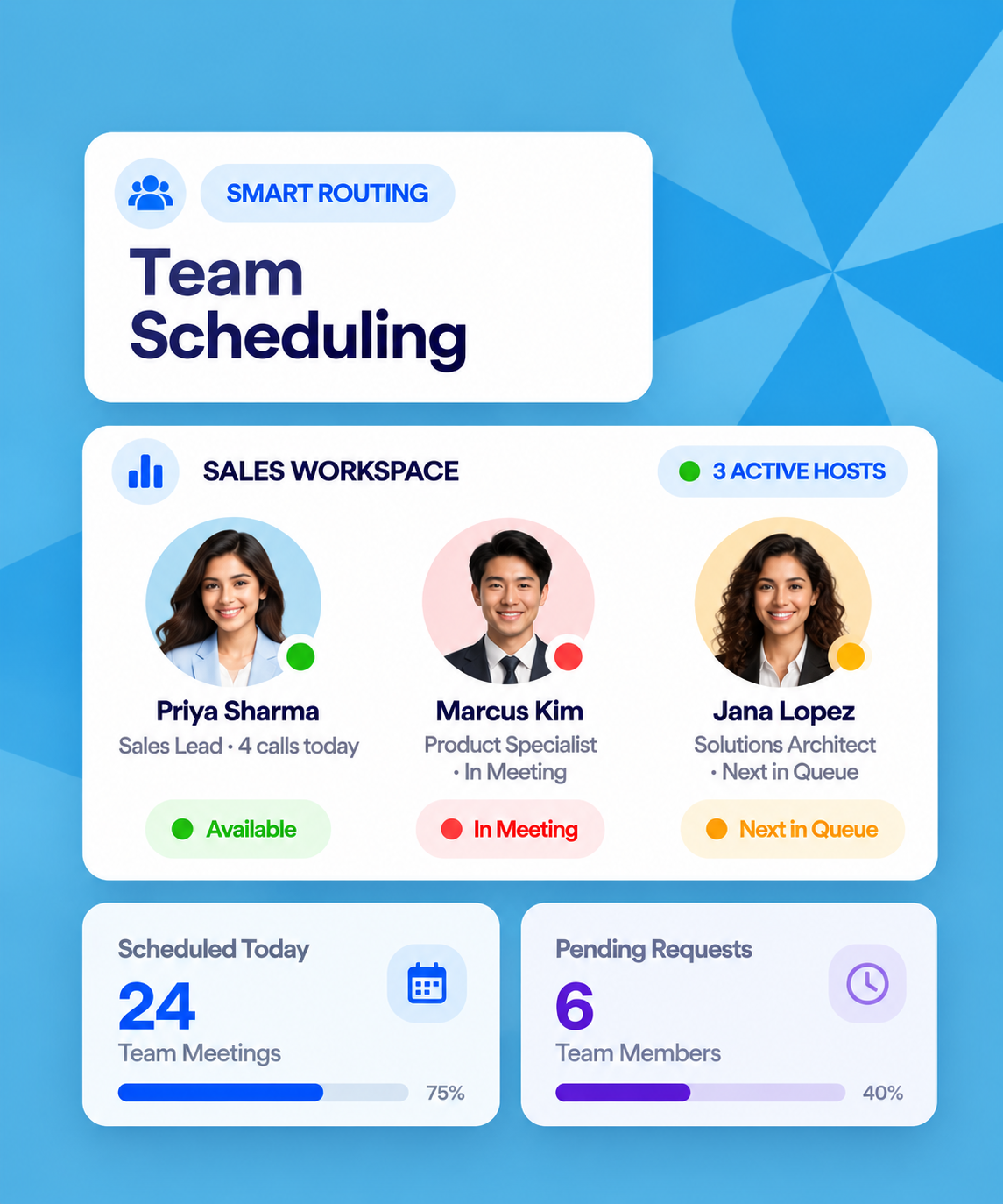
Keep bookings organized across your team. Use workspaces, teams, shared meetings, roles, and round robin to coordinate scheduling.
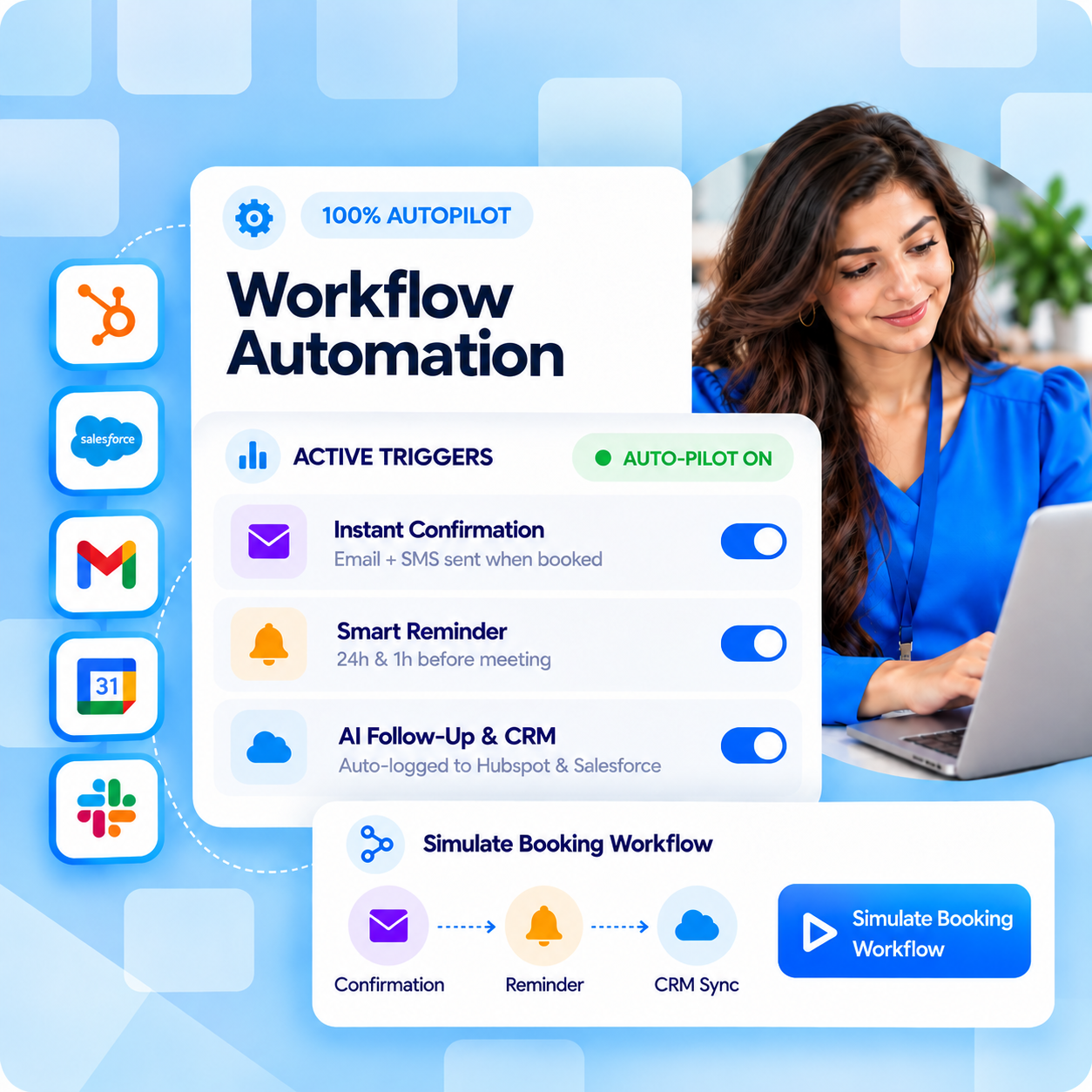
Handle the communication around every booking. Manage confirmations, cancellations, rescheduling updates, and custom reminders.

One host. One invitee. Ideal for consultations, interviews, demos, reviews, and individual conversations.
Bring several people into one session. Let multiple participants book into training, workshops, classes, and group discussions.
Share bookings across available hosts. Distribute meetings when several people on the team can handle the same conversation.
Create a link for one booking. Send a booking link that can be used once for a specific invitation.
Schedule a one-time event with a specific date, time, and attendees. Ideal for appointments, special sessions, and scheduled activities.
Find available time, connect calendars, understand scheduling activity, and give your team more ways to manage bookings.
Review scheduling activity at the individual, team, and workspace level.
Invitees can see open slots based on your scheduling setup and complete the booking themselves.
Use CalendNow's voice-powered scheduling agent as another way to arrange meetings.
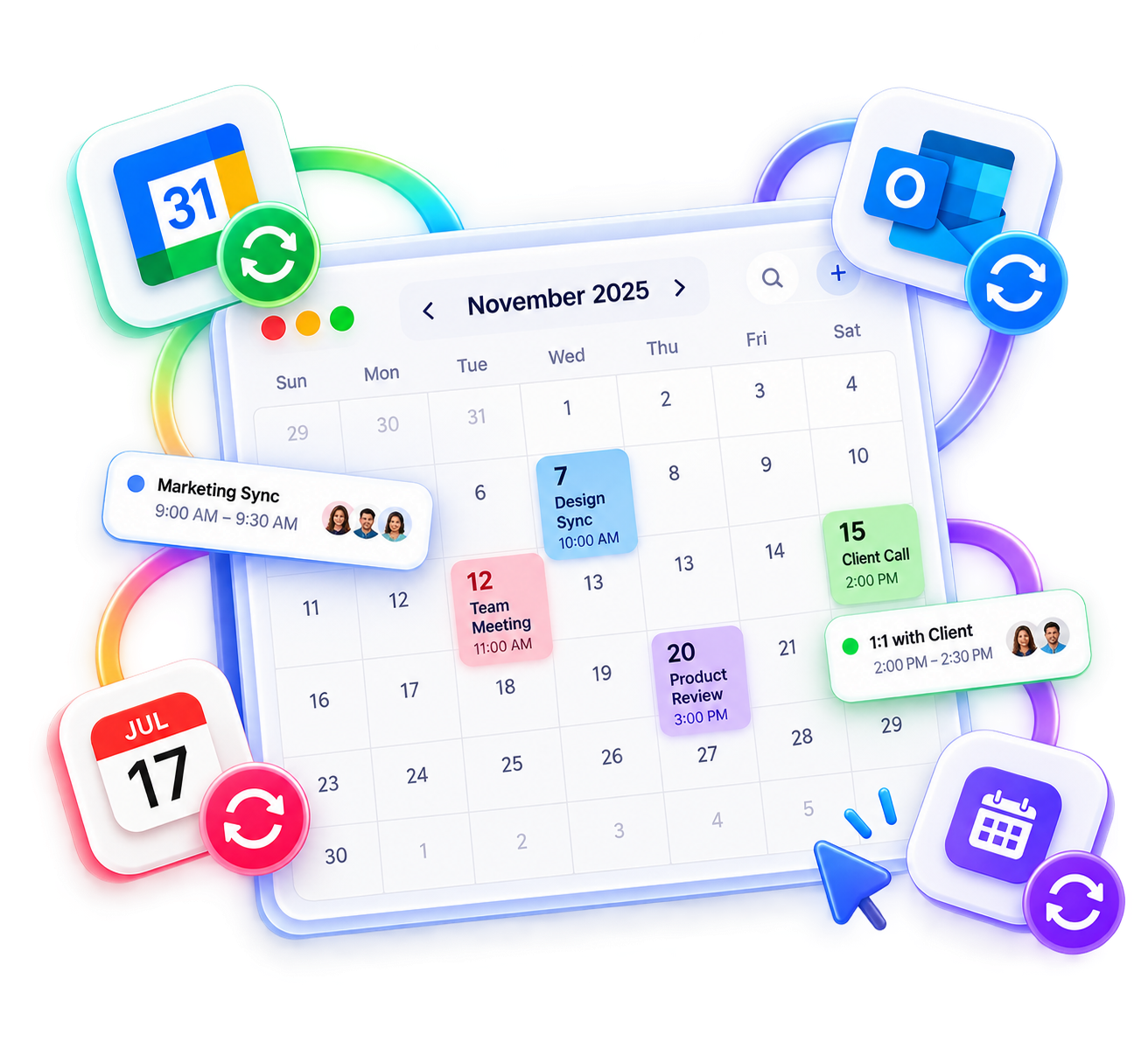
Connect supported calendars so CalendNow can work with current availability and help prevent double booking.
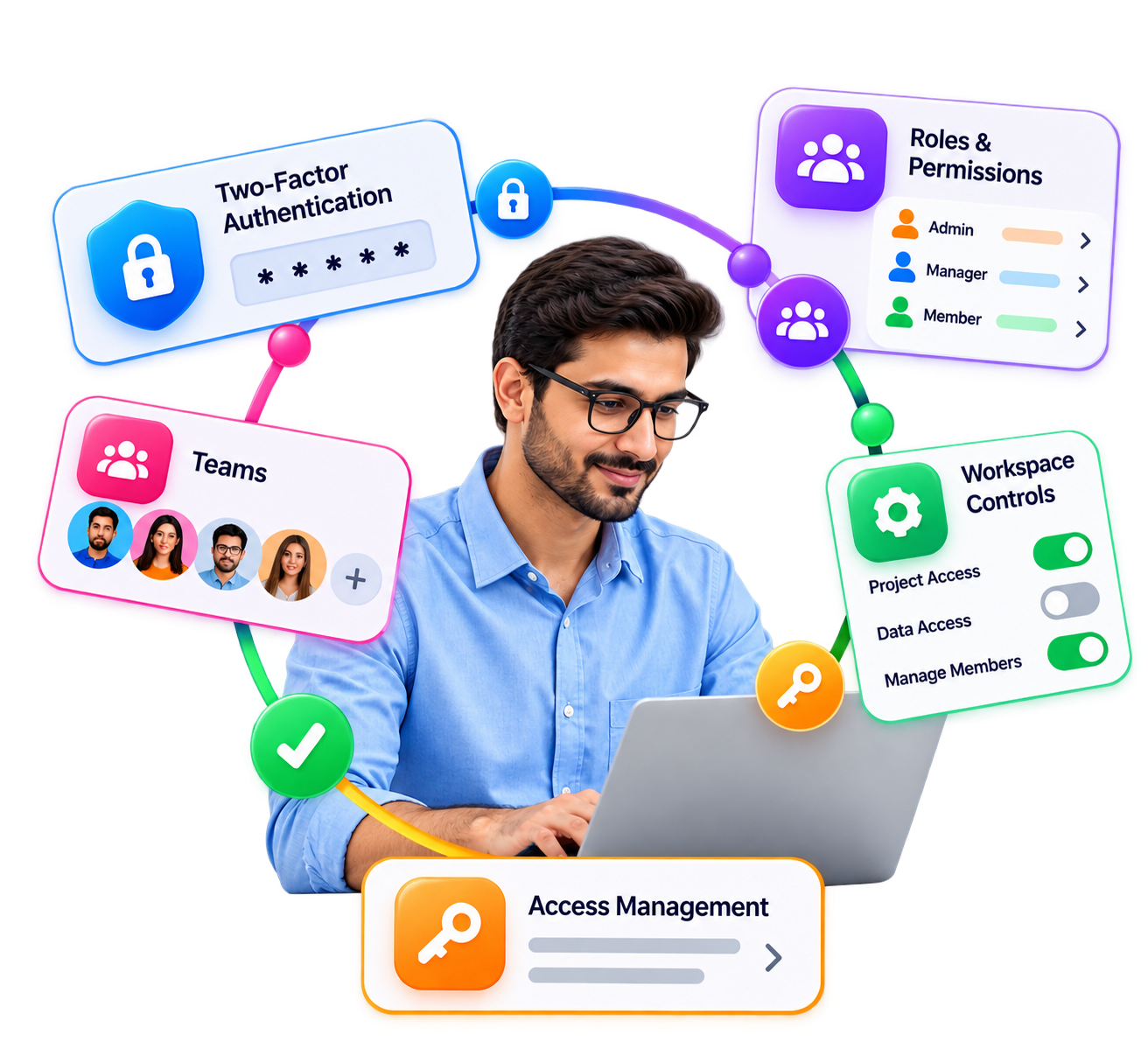
Use two-factor authentication, roles, permissions, teams, and workspace controls to manage account access.
Create supported online meeting links automatically when someone books.
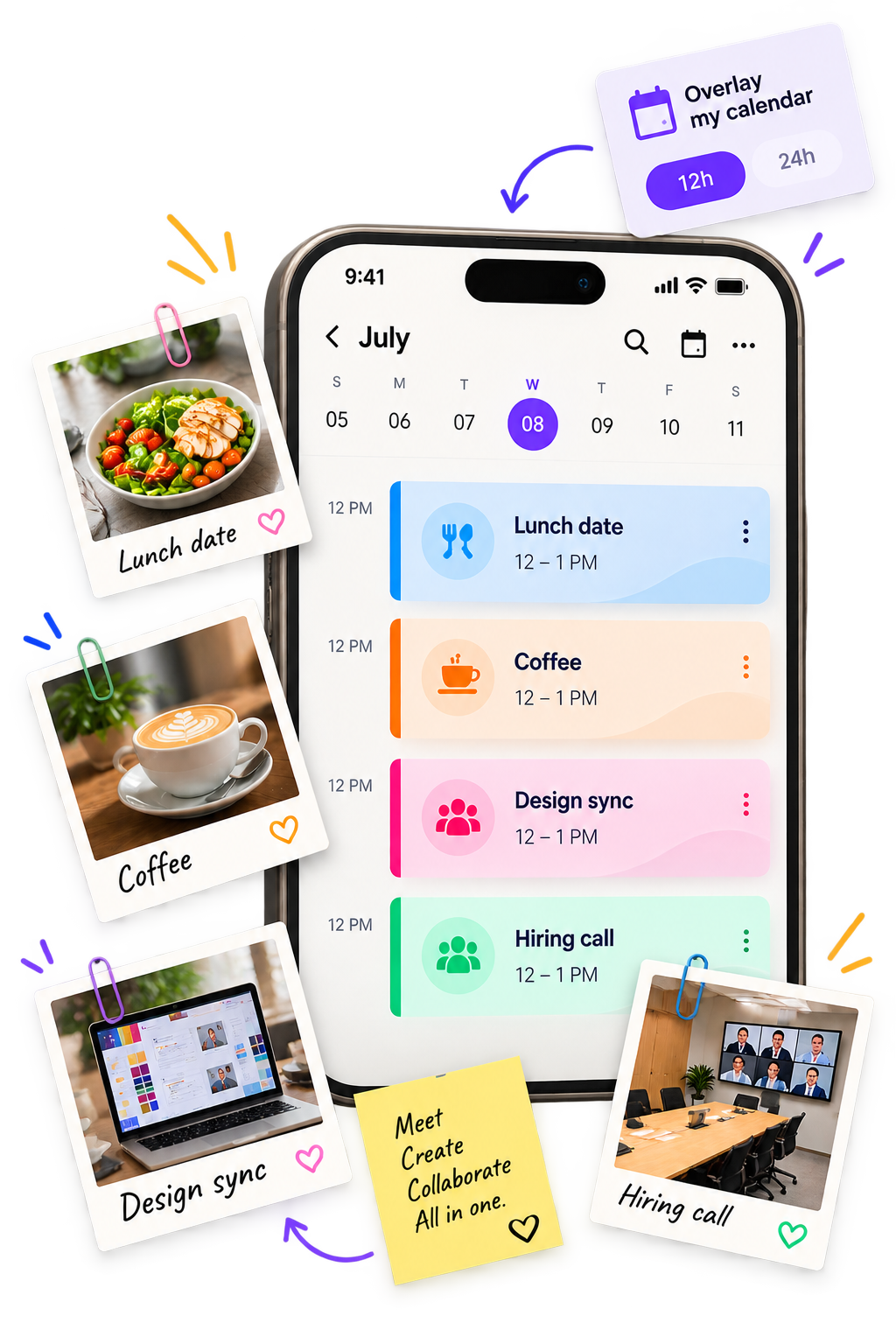
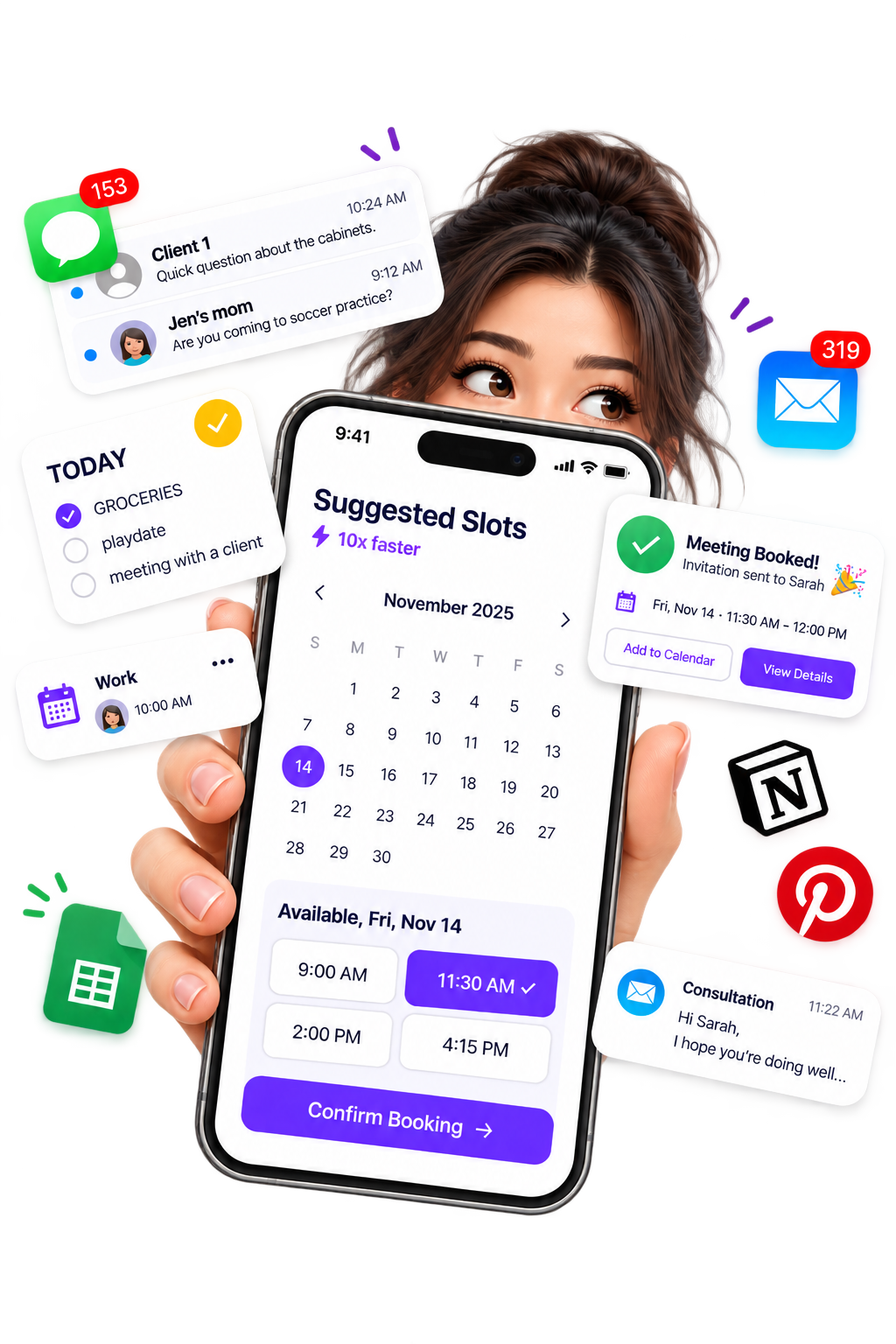

Set the schedule people can book against without opening every hour of your calendar.
Choose your regular availability.
Keep regular breaks out of booking time.
Close dates when you are unavailable.
Add non-working days into your schedule.
Leave space before or after meetings.
Control how close to the start time someone can book.
Choose how far ahead meetings can be scheduled.
Set meeting duration and supported meeting or booking limits.
Create a booking experience that fits the person, team, or meeting being scheduled.
Give invitees a dedicated place to choose a time and book.
Create dedicated URLs for organizations, workspaces, teams, and individuals.
Collect the information you need before the meeting starts.
Show available slots in the invitee's local time zone.
Let participants choose an available slot without waiting for manual coordination.
Bring structure to scheduling across your organization.
Organize scheduling through dedicated organizations and workspaces.
Invite, manage, and remove members, then organize people into teams.
Control access to modules and features according to each person's responsibilities.
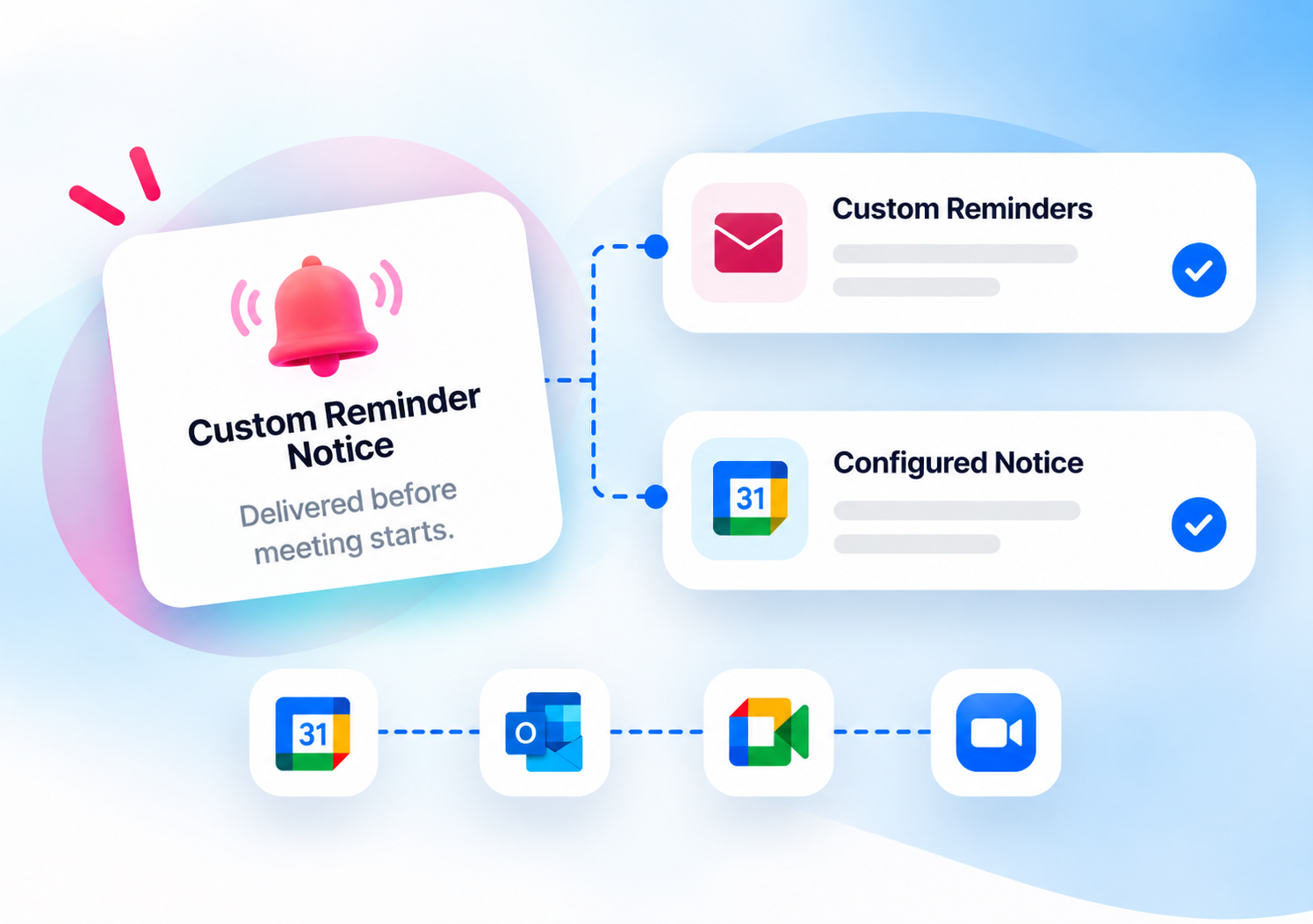
Handle the important messages around a booking, from confirmation through schedule changes and reminders.
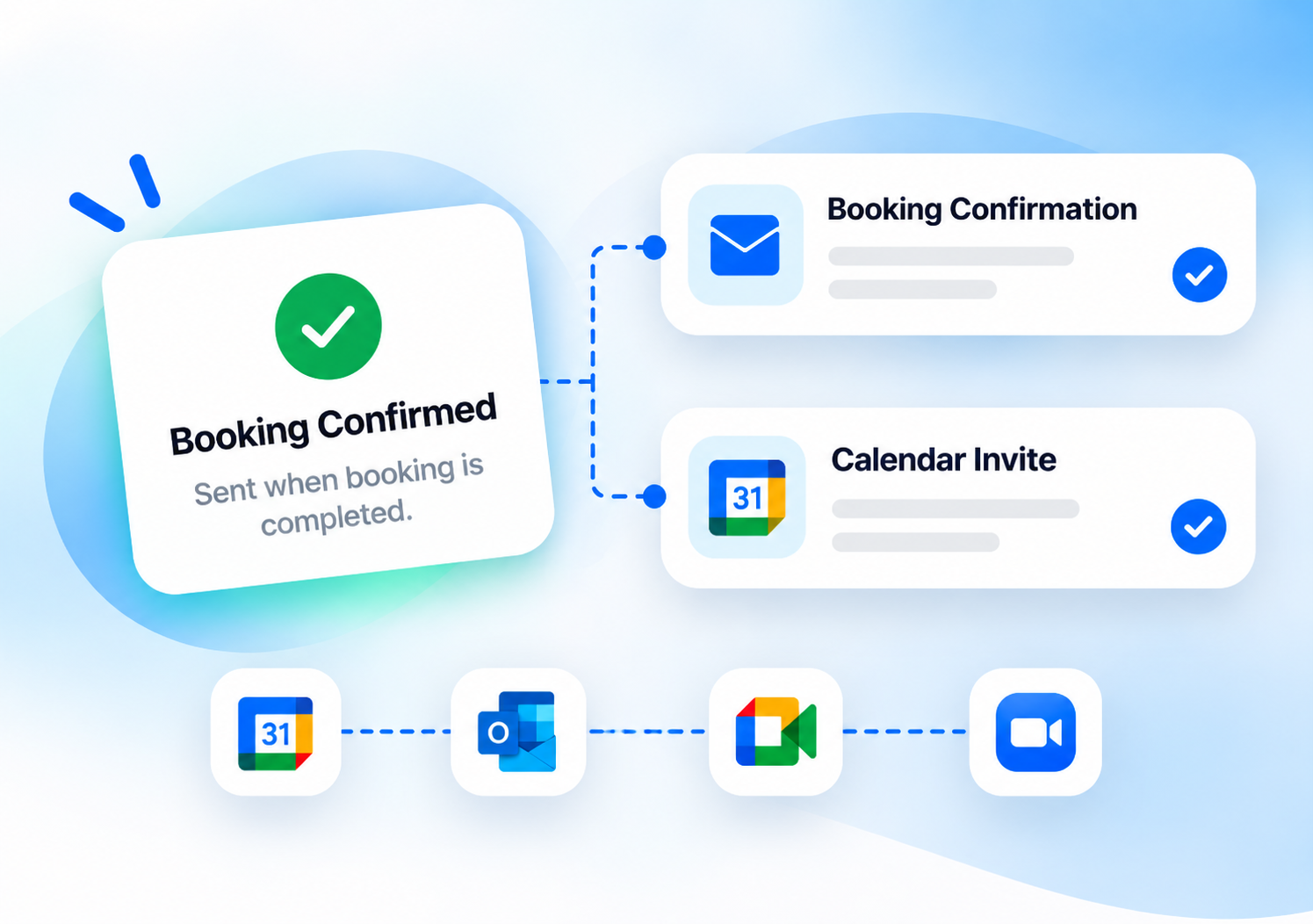
Send a confirmation when someone completes a booking.
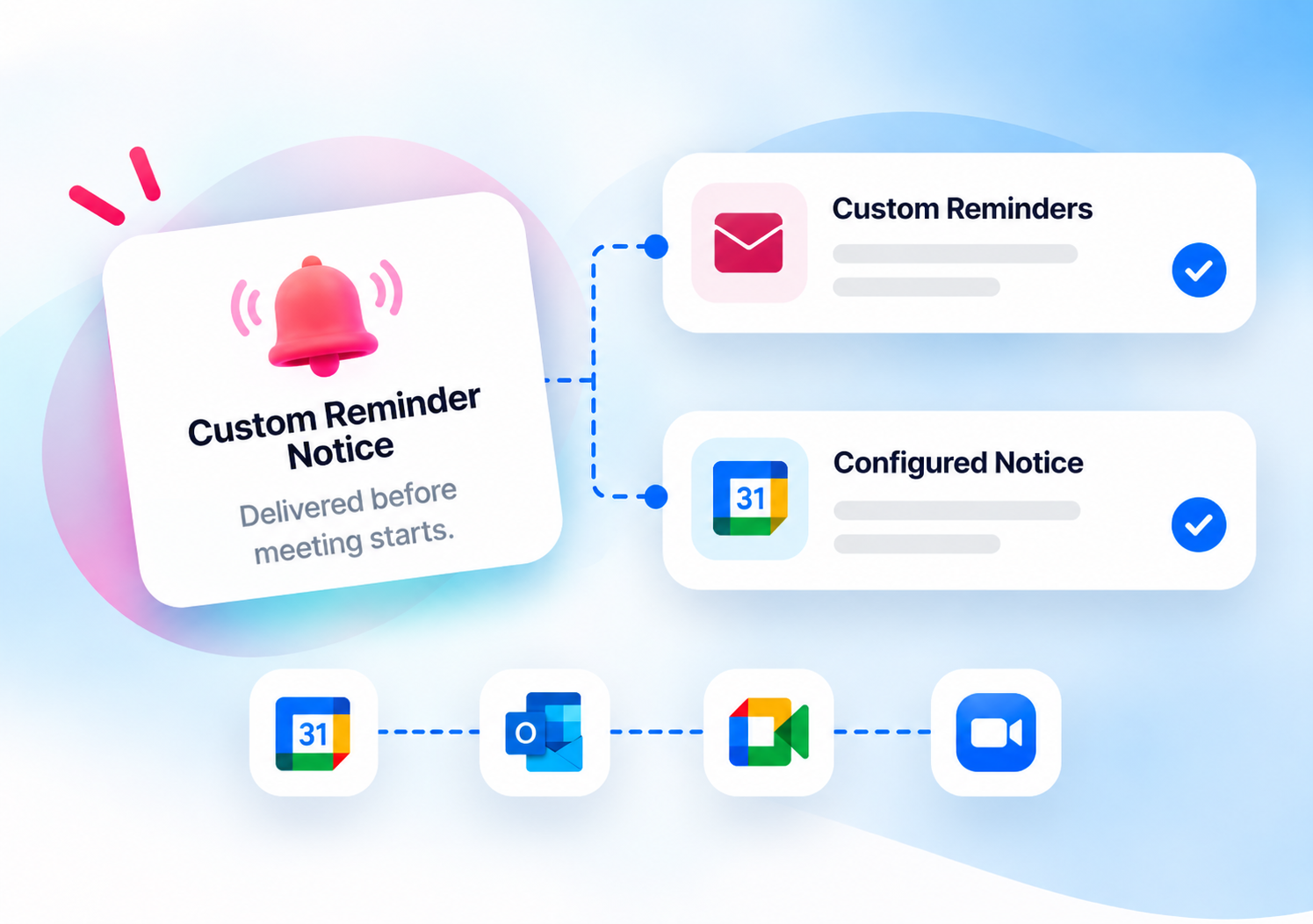
Send configured reminders before the meeting starts.

Keep hosts and participants informed when plans change.
Keep booking information current when a host or participant updates the meeting.
See who booked, keep contact information organized, and review previous meeting activity.

Keep information captured during booking.

Manage invitee and contact information across all bookings.

Review previous bookings.

See documented meeting participation.
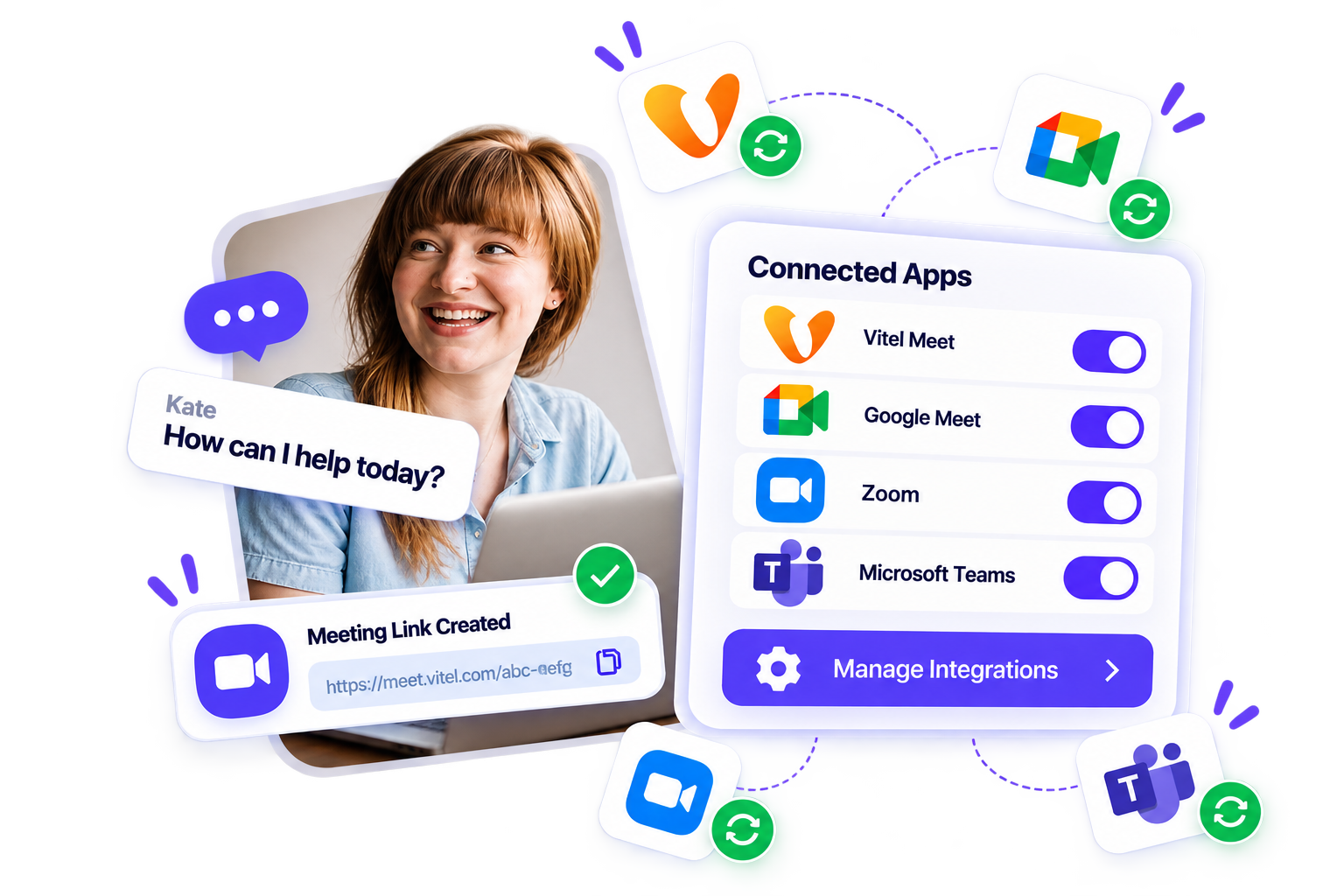
Connect supported calendars to manage availability and automatically create meeting links on the platforms your team already uses.



Sync supported Google calendar availability.
Connect Microsoft 365 calendar availability.
Connect supported Exchange calendars.
Create Vitel Meet links for scheduled meetings.
Add Google Meet links automatically.

Create Zoom meetings from bookings.
Add Microsoft Teams links to scheduled meetings.
Let prospects choose an available time and use round robin when several sales reps can take the meeting.
Let candidates choose suitable times and answer the questions you need before the interview.
Create dedicated meeting types for onboarding, reviews, and recurring conversations.
Create booking pages for consultations, project discussions, and follow-up meetings.
Adaptable scheduling infrastructure built for professional services, tech, education, and consulting.
Organize consultations, project discussions, and client follow-ups with dedicated meeting types.
Coordinate product demos, onboarding calls, and ongoing customer conversations.
Schedule advising appointments, individual sessions, and group learning activities.
Make it easier for clients to arrange discovery calls, coaching sessions, and follow-up meetings.
Whether you are scheduling for yourself, your team, or your entire company, CalendNow scales effortlessly with your growth.
Discover how business leaders and fast-growing teams streamline their meetings with Calendnow.ai.
"Managing clients across different time zones used to be a nightmare. Calendnow.ai makes it effortless and clients love the professional scheduling experience."
"Calendnow.ai revolutionized how we manage internal communications and scheduling. As a leader in both telecom and digital media, I value its precision and ease of use."

"Our organization relies on Calendnow.ai to coordinate high-priority meetings. The smart automation and reliable calendar sync features have boosted our productivity."

"As Managing Director, I count on Calendnow.ai for seamless communication across departments. It brings structure, speed, and simplicity to our day-to-day operations."

"Managing cross-timezone sprint reviews used to be painful. With Calendnow.ai's round-robin and AI availability intelligence, scheduling runs smoothly every day."

Join these teams and bring structure, speed, and clarity to every meeting.
Real results from teams transforming their client and internal booking experience.
“Calendnow.ai centralized our entire multi-department booking pipeline with zero calendar conflicts.”Mukesh Yadav, Managing Director
Manual coordination of over 500+ monthly team meetings across multiple timezones caused double bookings and lost productive hours.
Deployed Calendnow.ai round-robin meeting types, automated confirmation workflows, and VitelMeet video integration across all teams.
Saved over 15 hours per week per department lead and achieved a 99.8% appointment show-up rate.
Follow a booking from the first shared link to the meeting confirmation.
Explore how to create a meeting type, configure availability, set up team scheduling, and manage the booking afterward.
Add another verification step to sign-in.
Control access to modules and features.
Manage teams, members, and workspace settings from one place.
Keep organization and workspace information separated according to the CalendNow account structure.
Loading plans…
Look at the meeting types, team controls, integrations, and plan limits that matter to your business.
Compare booking workflows, team scheduling, and supported integrations.
View the ComparisonExplore differences in scheduling capabilities and team management.
View the ComparisonCompare the features and workflows relevant to your organization.
View the ComparisonHelpful articles, product guides, and best practices to optimize your meetings.
Learn how to configure your availability, create a meeting type, and share your first booking link.
Read the Getting Started GuideFind guidance on workspaces, members, permissions, and round-robin scheduling.
Explore Team SetupLearn how to use buffers, notice periods, booking windows, and reminders.
Explore Scheduling GuidesFind practical ideas for organizing client appointments and team meetings.
Visit the BlogExplore recently released features, improvements, and product updates.
Automatic multi-calendar sync and predictive availability suggestions for fast booking.
Generate dynamic video conference rooms instantly upon appointment confirmation.
Get fast, dedicated support, setup guides, and personalized product walkthroughs.
Explore setup instructions and answers to common product questions.
Visit the Help CenterRaise a support ticket and follow its progress with our dedicated team.
Contact SupportDiscuss your scheduling workflow and see how CalendNow could fit your team.
Book a DemoEverything you need to know about getting started and scheduling with CalendNow.
Set your availability, create the meeting type you need, and give people a simple way to book.